CUSTOM PLAYING CARD GENERATOR
Created by Dan Atkins | Licensed under Creative Commons CC BY-SA 4.0



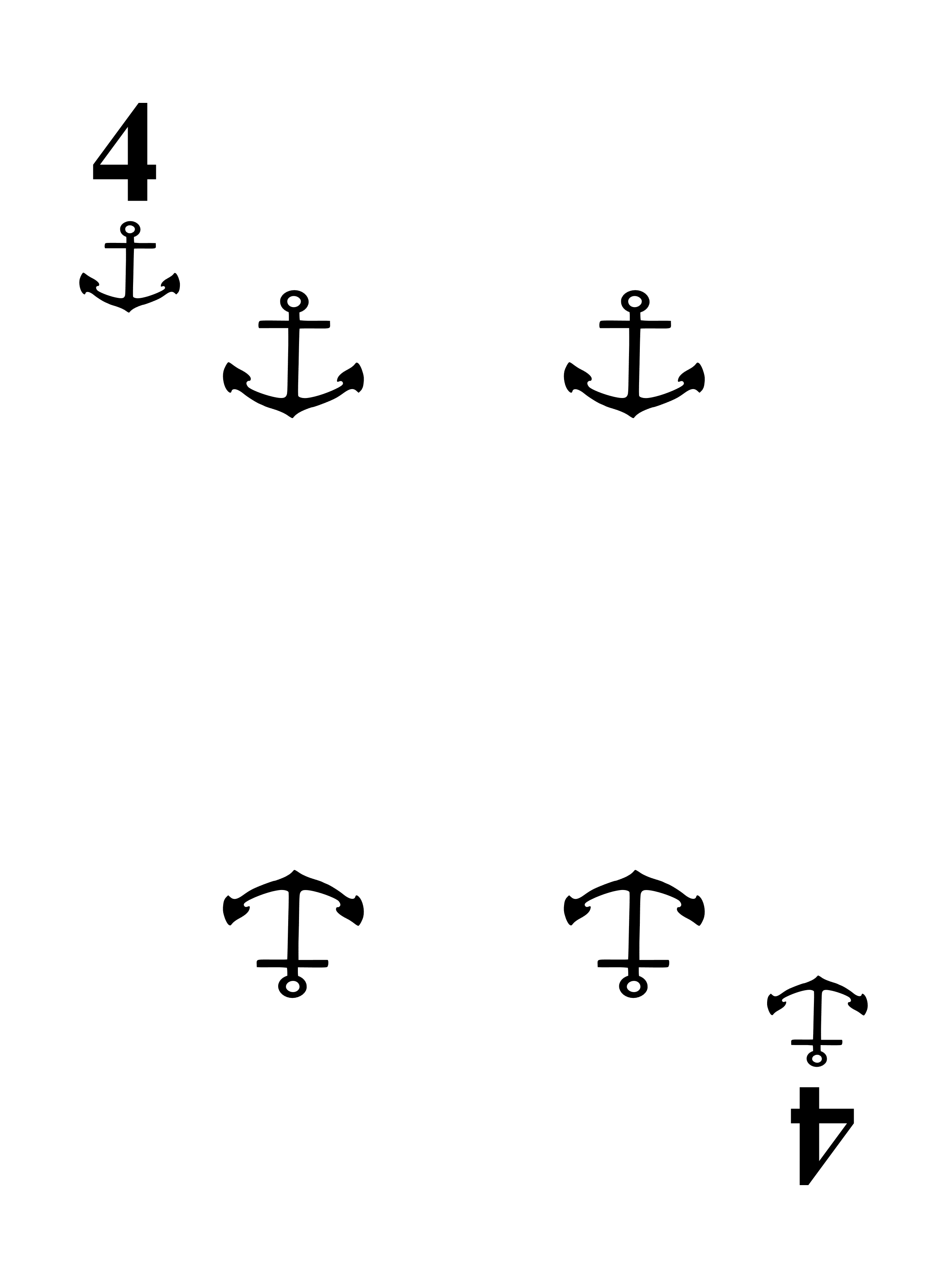


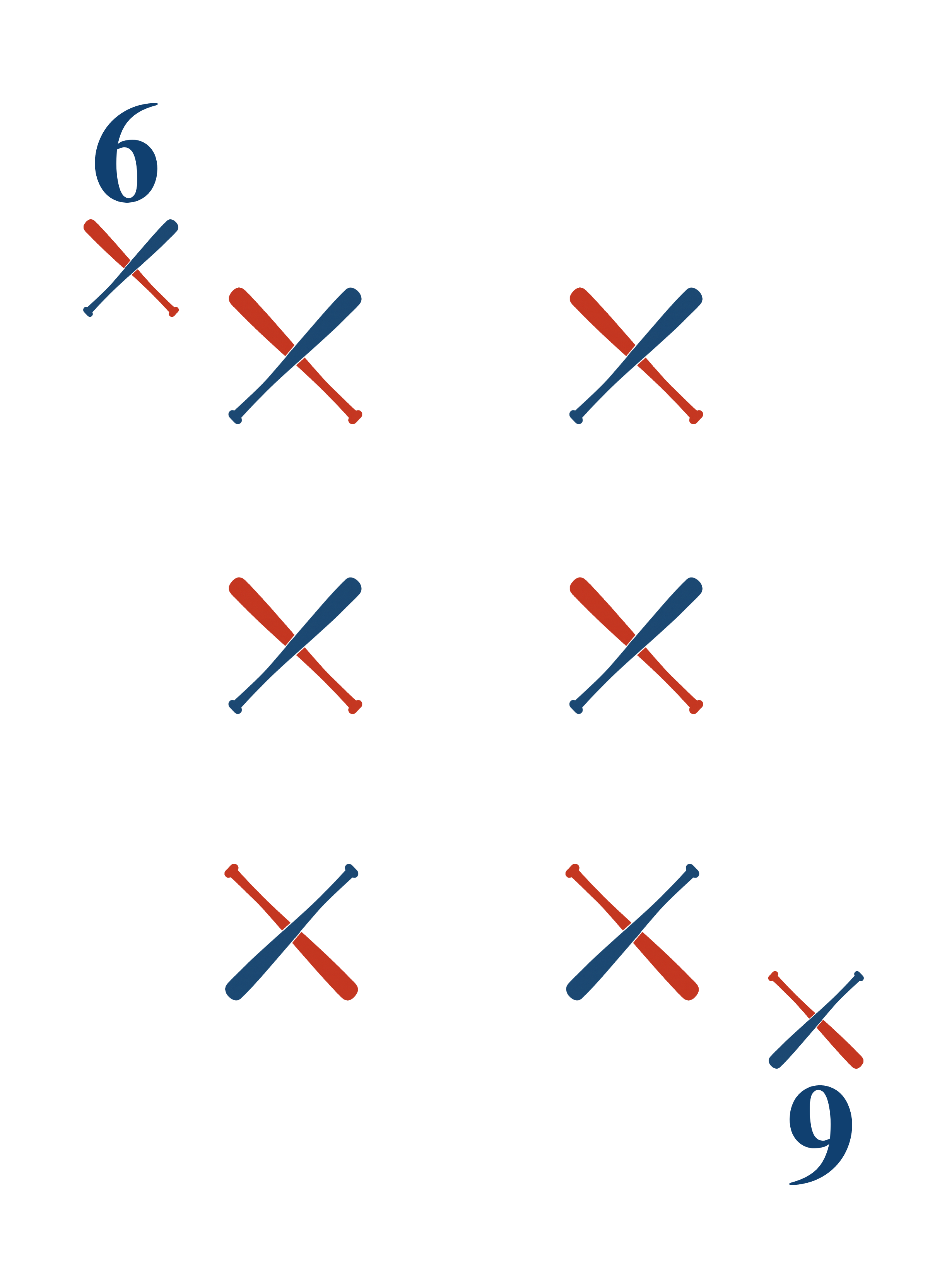



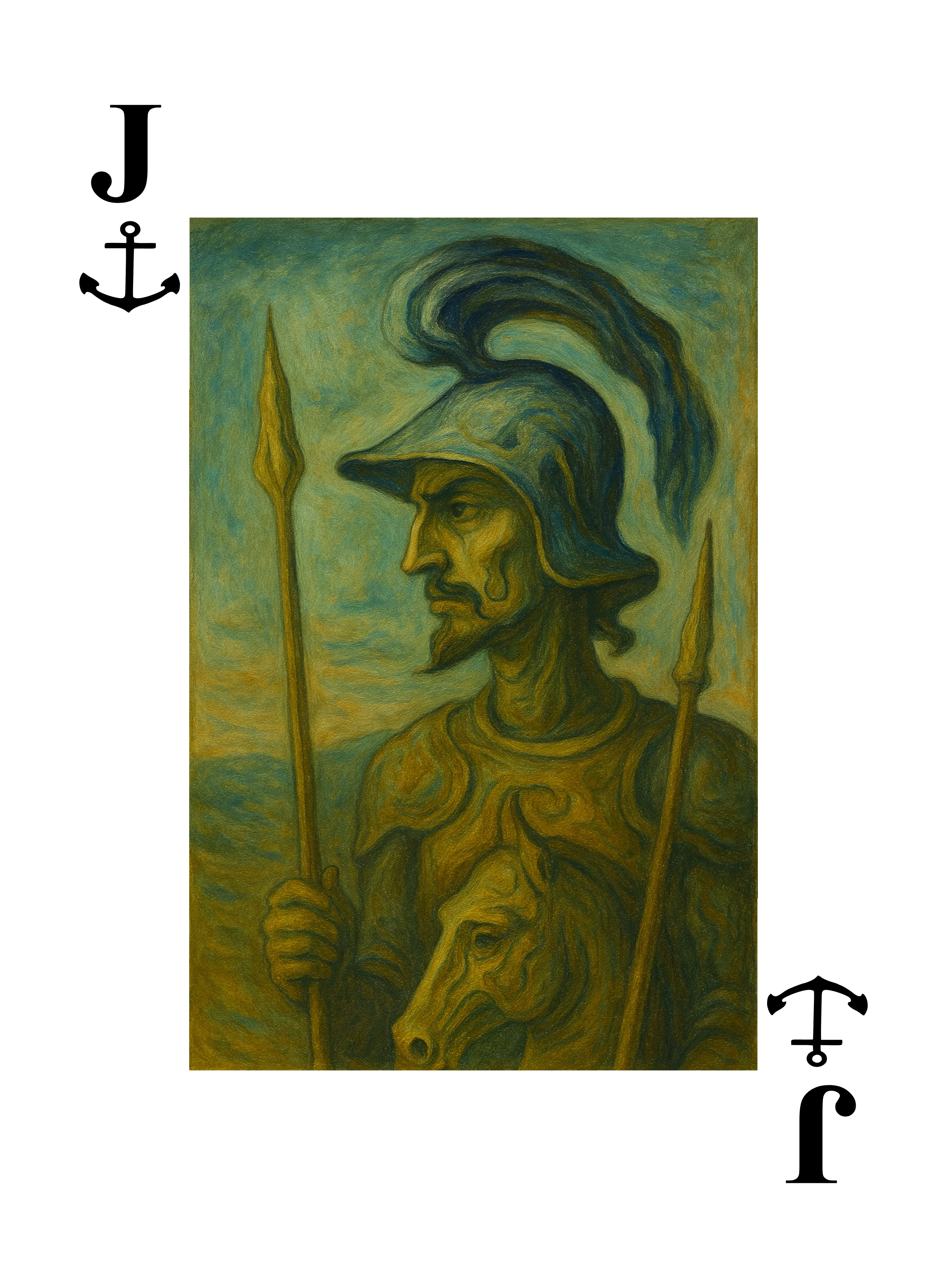
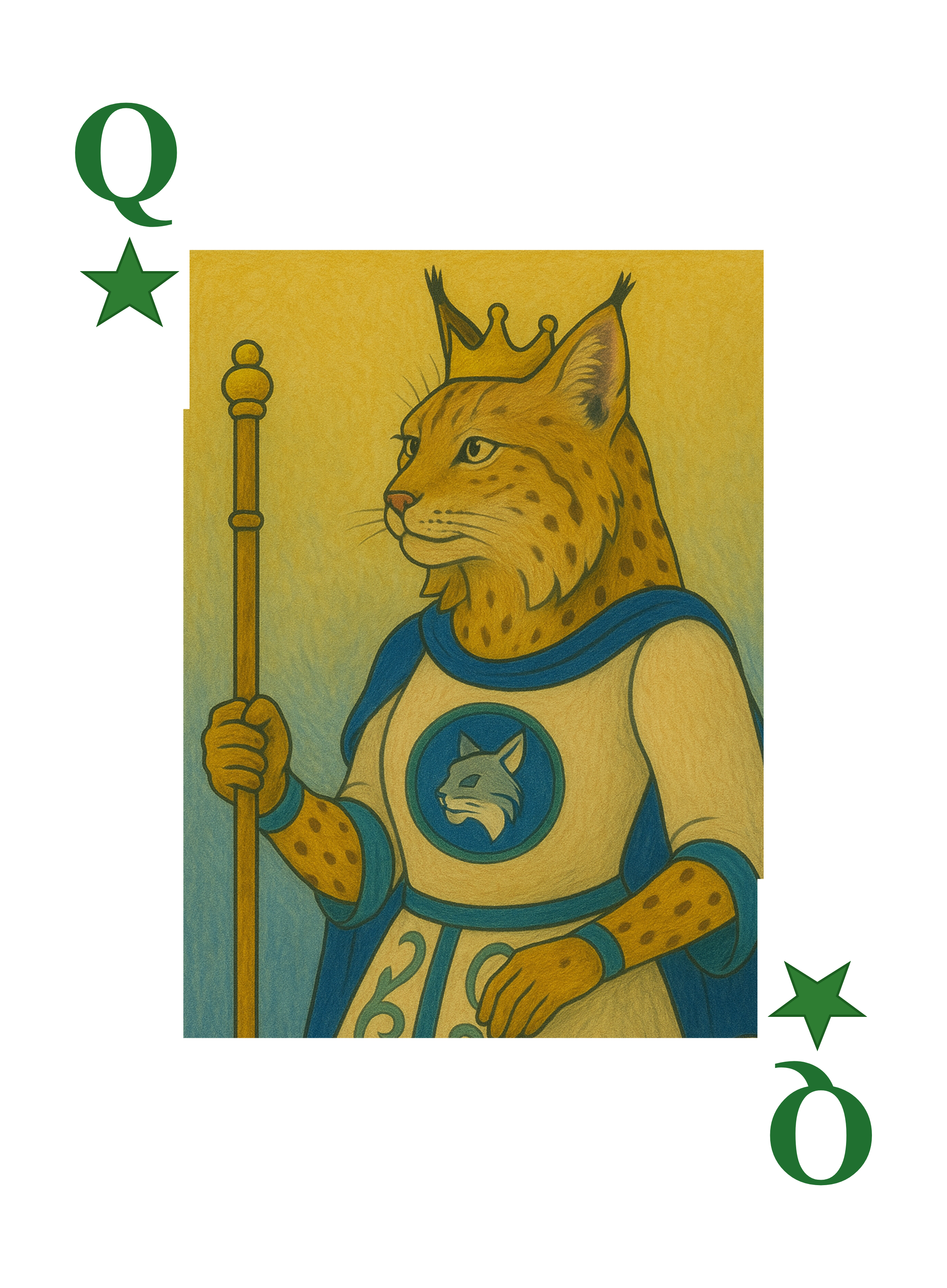

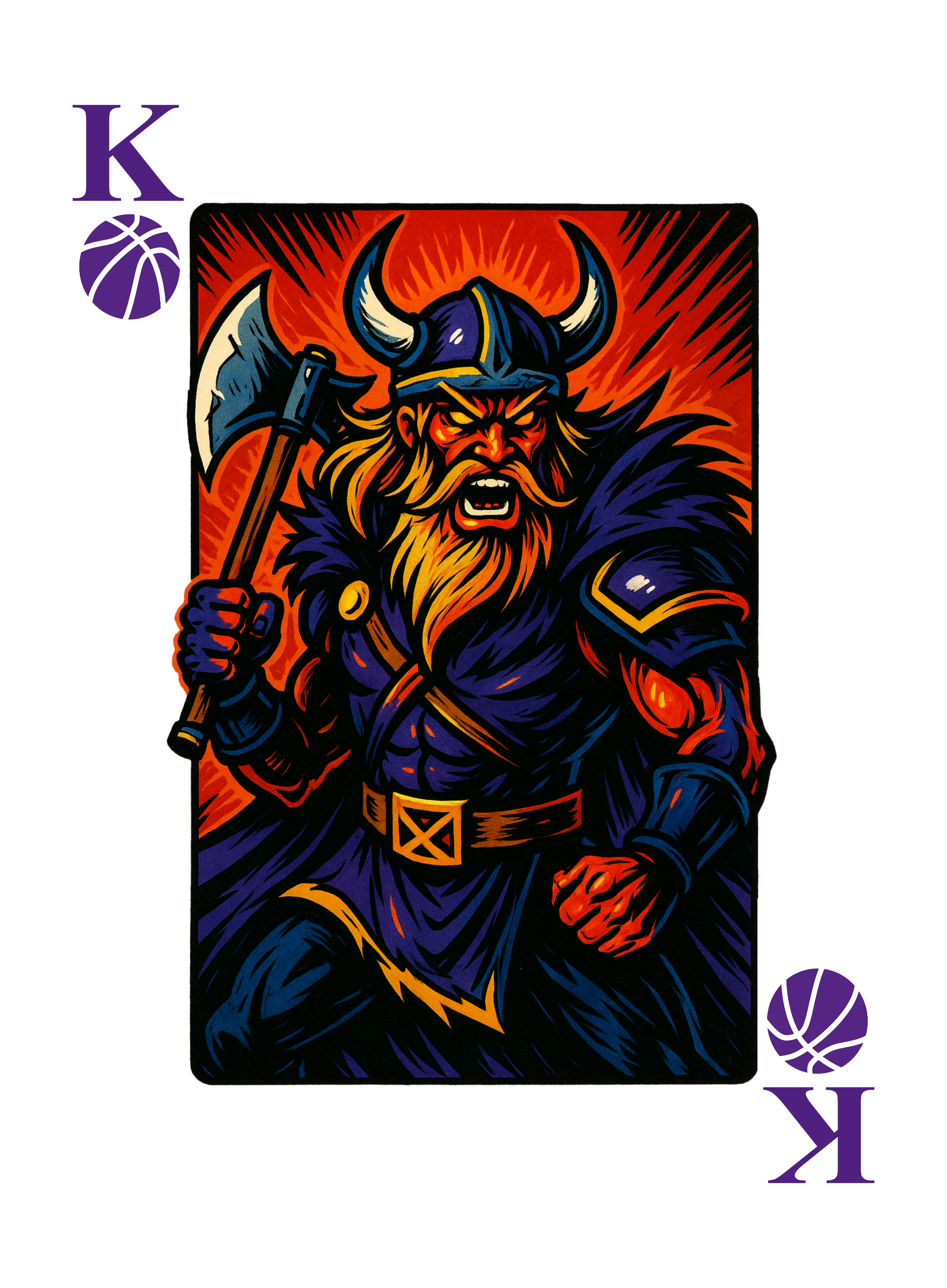

Click any card to view full size • Examples generated by this tool
Welcome!
Create custom playing cards with your own suit icons. Generate standard 4-suit decks or unique 5-suit decks perfect for games like Five Crowns, Phase 10, Skip-Bo, and more!
📖 How to Use This Generator
- Configure your deck (4 or 5 suits, pip source, face cards)
- Click "Apply Configuration"
- Upload or select your suit icons (colors auto-detect from images)
- Preview individual cards by clicking rank buttons
- Choose one:
- Download all cards as a ZIP file to send to your favorite printer like MakePlayingCards.com, The Game Crafter, or PrinterStudio, OR
- Upload directly to Game Crafter for printing!
🎮 Playing Different Games with Your Deck
5-Suit Double Deck Games:
- Five Crowns: Use all 116 cards (5 suits × 13 ranks × 2 decks + 6 jokers)
- Phase 10: Use 2 complete 5-suit decks (customize with wild cards)
- Skip-Bo: Number cards from your 5-suit deck work perfectly
Traditional 4-Suit Games:
- Poker, Bridge, Hearts: Remove one complete suit (use 52 cards)
- Pinochle: Use A, 10, K, Q, J, 9 from all suits
- Canasta: Use two complete 4-suit decks (remove one suit from each)
- Rummy: Use 52 cards (one standard 4-suit deck)
💡 Tip: Print extra jokers or wild cards separately to customize for specific games!
❓ About Game Crafter Accounts
Why do I need my own account?
- You own your designs - They appear in your account, not someone else's
- Privacy - Your card designs remain private to you
- Control - You can order prints, set pricing, make changes anytime
- No middleman - Direct relationship with the printer
Is it free?
- ✅ FREE to create account
- ✅ FREE to upload designs
- ✅ FREE to store designs
- 💰 You only pay when ordering physical prints
How do I create an account?
- Visit thegamecrafter.com/join
- Fill in username, email, password (takes 2 minutes)
- Verify your email
- Come back here and click "Upload to Game Crafter"!
🔒 Security: Your username and password are only used to upload cards to YOUR account. They are never stored on this website.
Configuration
💡 Choose "Safe" if indices are getting too close to edges when printed
🔐 Game Crafter Credentials (Required for Upload)
Enter your Game Crafter account credentials to enable deck uploading. These are stored in your browser only and never sent anywhere except The Game Crafter.
📝 Find your API key: Game Crafter → Account → API Keys
💡 Tip: Your credentials are only stored in your browser's memory while using this page. They are cleared when you close the tab.